
What a Court Docket Means in Mecosta County
A docket is a dated index of the actions taken in a court case. Michigan court rules call this same record the register of actions or the case history. Under Michigan Court Rule 8.119, the clerk of each court must keep a case history that lists every document filed and every event the judge orders. Each line in that history is a docket entry. The docket shows the order of events: who filed what, when a hearing was set, and how the judge ruled on it.
The docket is a map of a case, not the case itself. An entry tells a reader that a motion was filed on a certain day, but it does not always hold the motion text. In Mecosta County the 49th Circuit Court, the 77th District Court, and the 18th Probate Court each keep a separate register of actions for the matters they hear. A few plain terms help when reading one.
- Register of actions
- The official, dated list of every filing and event in a single case.
- Docket entry
- One line on that list, marking a filing, hearing, or order.
- Case history
- The name Michigan portals use for the public view of the register of actions.
- Adjournment
- A scheduled event moved to a later date, noted as its own entry.
- Disposition
- The entry that records how a case or charge ended.
The Michigan court rules that define these records are published by the state judiciary; the text of the caption, redaction, and record-keeping duties appears in the Michigan Court Rules Chapter 1 page.
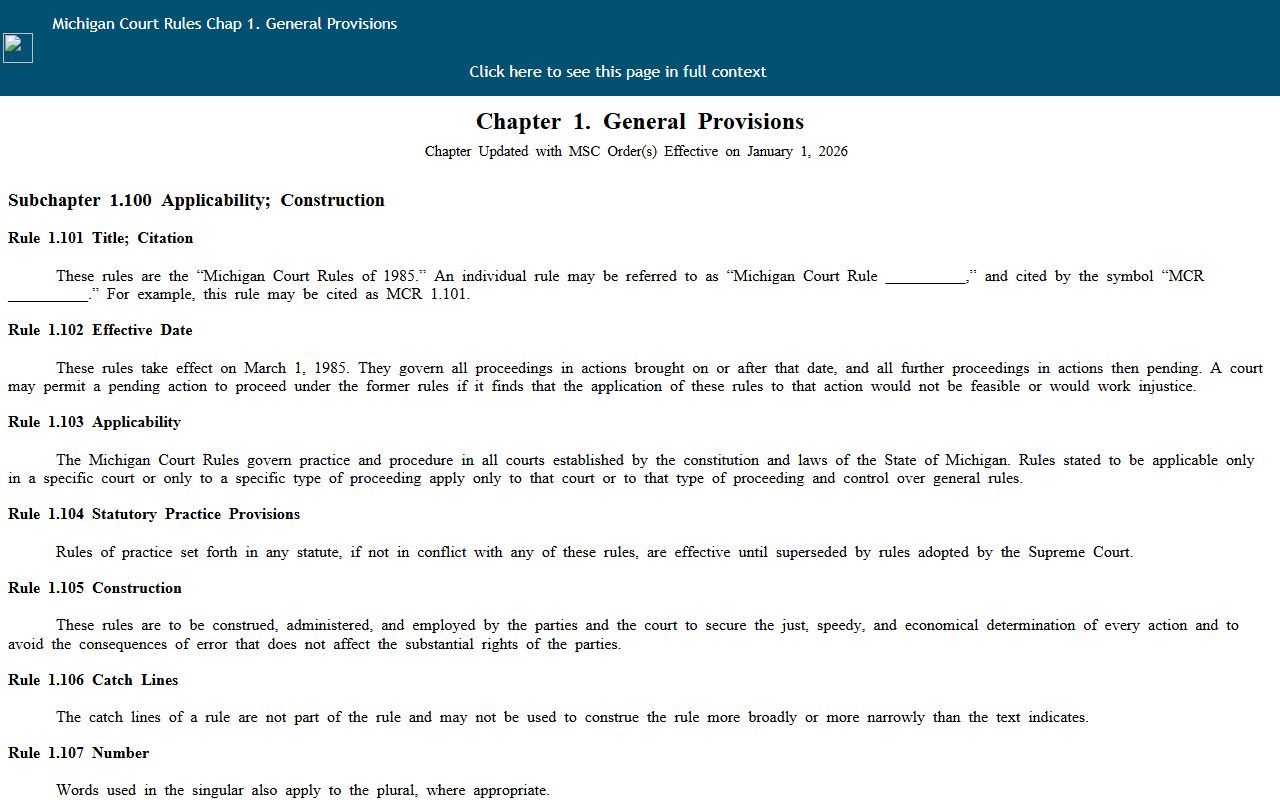
Those rules set what a Mecosta County docket entry must contain and what stays protected, which is why local circuit, district, and probate registers all look alike.
Reading a Mecosta County Docket Entry
Every docket entry breaks into a few fixed parts. Once those parts are clear, a long register reads quickly. Most entries carry a date, a short label for the event, the party who acted, and a result. A hearing entry adds a future date and a courtroom. A ruling entry adds the judge's decision. The sample below shows the fields a Mecosta County register of actions commonly displays and what each one tells a reader.
| Field | What It Shows |
|---|---|
| Entry Date | The day the filing, hearing, or order was recorded on the case history. |
| Event Type | The short label, such as arraignment, motion filed, order entered, or dismissal. |
| Filing Party | Which side acted: plaintiff, defendant, prosecutor, petitioner, or the court itself. |
| Document or Order | The title of the paper tied to the entry, like complaint, plea, judgment, or bench warrant. |
| Hearing Date | The scheduled date and courtroom when the entry sets a future appearance. |
| Result or Status | The outcome noted, such as granted, denied, adjourned, sentenced, or closed. |
A criminal case often runs from arraignment to pretrial to preliminary exam, then bindover, plea, and sentencing, each as its own entry. A civil case shows the complaint, answer, motions, and judgment. Reading the entries in order rebuilds the whole path a case took through the court.
The case number sitting at the top of the docket is a key of its own. Michigan Court Rule 1.109 sets the caption format, so a Mecosta County case number carries a year prefix and a two-letter case-type code drawn from the state court administrator's list. That code tells a reader at a glance whether the file is a felony, a civil suit, a traffic matter, or a probate estate. Matching the code to the right court also explains why the same person can hold more than one docket, since a felony that begins in district court and moves to circuit court leaves an entry trail in both.
Finding Mecosta County Dockets Through MiCOURT
The main online route for a Mecosta County docket is MiCOURT Case Search, the statewide portal run by the Michigan judiciary. The county Courts and Divisions page links straight to the 49th Circuit Court search for Mecosta County, so a reader lands on the right court without extra steps. The statewide entry page notes that civil, traffic, criminal, domestic, and probate cases may be available depending on the court type being searched. Opening a result shows the register of actions, which is the docket itself.
- Open the county's MiCOURT Case Search link for the 49th Circuit Court and confirm the court selection reads Mecosta.
- Choose the available search mode, either party name or court case number.
- Enter the name or the case number, using the Michigan year prefix and two-letter case-type code if you have it.
- Apply case-type or date filters only if the portal displays them, then run the search.
- Open the matching case and review the case history to read each docket entry in order.
If a search returns nothing, check the spelling, drop optional filters, and try the statewide MiCOURT Case Search page. Coverage depends on the court and case type, so a missing case does not always mean no record exists. Federal matters tied to Mecosta County residents are not in MiCOURT at all; those dockets sit in the U.S. District Court for the Western District of Michigan and are reached through PACER, with a free option for many federal dockets and opinions.
One widely used free source for federal docket and opinion data is CourtListener, which republishes many records that otherwise carry PACER fees.
For a state case that started in Mecosta County, though, MiCOURT and the local court divisions remain the correct first stops, not a federal tool.
Courts That Keep Dockets in Mecosta County
Not every Mecosta County court posts its docket online, and each division handles docket requests its own way. The 49th Circuit Court is the one with a direct MiCOURT link, so felony, major civil, and domestic case histories are the most likely to appear on the web. The 77th District Court, the 18th Probate Court, and the Friend of the Court answer docket and hearing questions mostly by phone or email. Knowing which office to call keeps a search moving.
- 49th Circuit Court: public case history through the MiCOURT deep link; general docket questions at (231) 592-0780.
- 77th District Court: criminal and traffic calendars at (231) 592-0794 and civil calendars at (231) 592-0796.
- 18th Probate Court: hearing and case searches by email to MCprobatefamilycourt@18thprobatecourt.org or by phone at (231) 592-0135.
- Friend of the Court: referee hearing schedules and domestic-relations matters at (231) 592-0115.
District Court carries the heaviest docket volume in the county, since misdemeanors, civil infractions, traffic tickets, small claims, and landlord-tenant cases all land there. Probate dockets cover estates, guardianships, conservatorships, and mental health matters, and that court asks people to search by email or phone rather than through a standalone form. When a district or probate ruling is appealed, the entries continue in the next court up.
An in-person visit is another route to a docket when the online view falls short. All of these divisions sit inside the Mecosta County Building at 400 Elm Street in Big Rapids, with the Circuit Court in Room 105 and the District Court in Room 118. Bringing a case number, a party name, and an approximate filing date lets counter staff pull the register of actions quickly. Court counter hours differ by division, so a caller should confirm the window before driving in, since the District Court closes earlier in the afternoon than the Circuit Court and Clerk.
The Michigan Court of Appeals hears many of those appeals, and its official page explains how appellate dockets and case files are organized; see the Michigan Court of Appeals page for the appellate side.
An appealed Mecosta County case keeps its trial-court register of actions while a new appellate docket opens above it, so a full history can span two courts.
Docket vs. Full Case Record in Mecosta County
A docket and a full case record are not the same thing, and mixing them up is the most common mistake. The docket lists what happened. The full case record holds the documents behind each entry: the motions, exhibits, signed orders, and transcripts. Michigan public online access is generally case-history centered, so a reader often sees the register of actions online but must ask the court for the underlying papers. The table below lines up the two.
| Docket | Full Case Record | |
|---|---|---|
| Format | Dated list of entries | Complete filed documents |
| Access | Often online and free through MiCOURT | May require a copy fee or a counter visit |
| Use | Track case progress and hearing dates | Legal review, evidence, certified copies |
For most people, the docket answers the question at hand: is there a hearing coming up, was a motion granted, has the case closed. When a certified document or a full charging paper is needed, the search moves from the docket to the underlying file. The full case file and its charging and sentencing detail are covered under Mecosta County court records, and the charge-by-charge criminal side is covered under Mecosta County criminal court records.
When a Mecosta County Docket Is Not Public
Not every docket is open to the public. Michigan court rules and statutes make some case histories nonpublic, and a portal search will simply return nothing for them. The most common closed dockets in Mecosta County involve juveniles, sealed convictions, and protected personal information. A docket can also carry redactions even when the case itself is public, since dates of birth, Social Security numbers, and financial account numbers are shielded under the court rules.
Juvenile cases run through the Family Court Juvenile Division, and public access is far more limited than for adult cases. Questions about those matters go to the division at (231) 592-0131 rather than to an open web search. Convictions that a court has set aside under Michigan's expungement law also drop out of public view once the order is entered, so their dockets no longer appear. Mental health proceedings in Probate Court and confidential-address filings are protected the same way.
A blank search result does not always mean a case never existed. Juvenile, sealed, and set-aside matters are removed from public dockets by law, and staff cannot release them without proper authority.
Note: When a public docket is missing an expected entry, calling the court division that holds the case is faster than repeating the same online search.